QC photos
Superbuy Fotos QC Guide: What to Check Before Shipping
Last updated: July 8, 2026
QC photos are the most important checkpoint between finding a product and shipping a parcel. A good Superbuy spreadsheet should remind shoppers what to inspect before approving an item.
Why Fotos QC Matter
When an item arrives at the Superbuy warehouse, photos help you review the product before international shipping. These images can reveal visible defects, wrong colors, size issues, damaged packaging, or details that do not match the listing.
QC Checklist
- Overall shape: check symmetry, proportions, and whether the item looks like the listing.
- Labels and tags: inspect size tags, care labels, logos, and placement.
- Stitching and edges: look for loose threads, uneven panels, or damaged seams.
- Color: remember that warehouse lighting can shift color, especially for grey, cream, navy, and washed fabrics.
- Measurements: request chest, length, insole, or bag dimensions when fit is important.
When to Request Extra Photos
Request extra photos for high-value items, size-sensitive products, shoes, bags, jackets, and anything where one small detail changes the decision. The best spreadsheet notes make these risk points visible before you buy.
Minimum Photo Set by Category
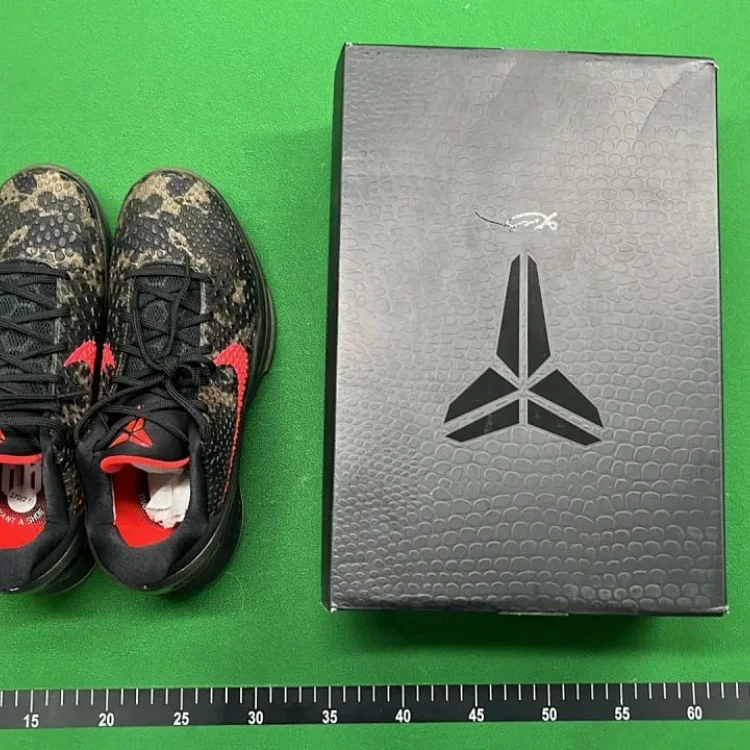
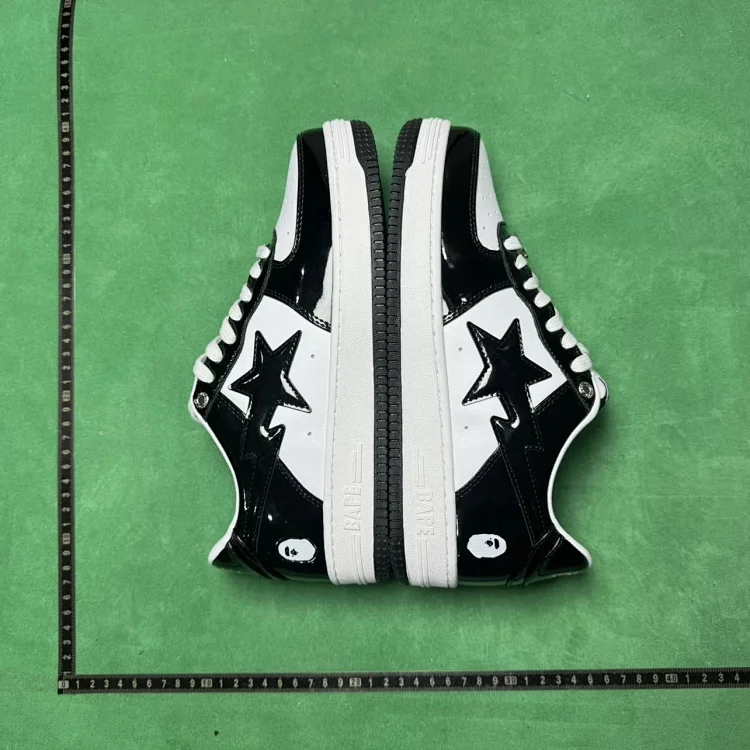
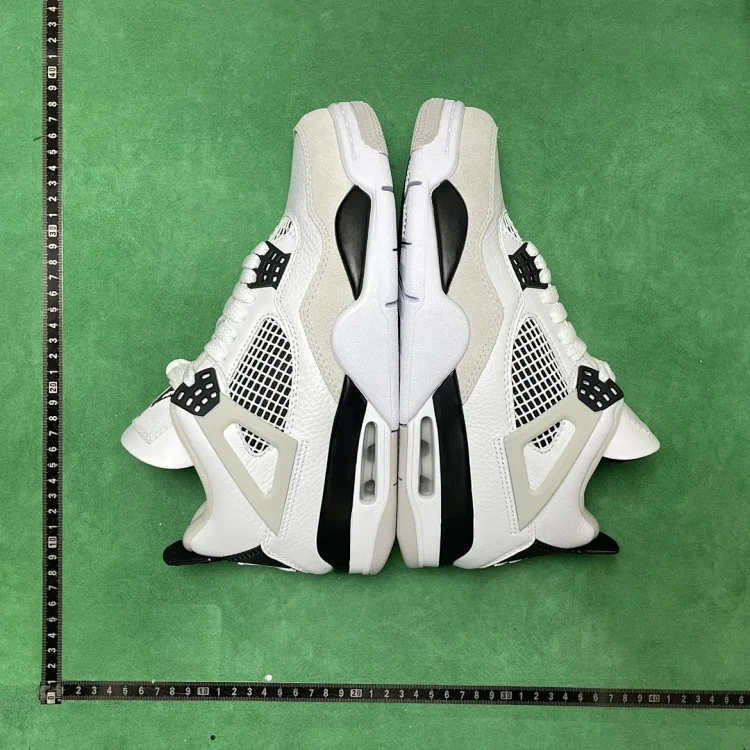
How to Decide
Approve the item only if the photos answer the question that matters for that product. If the missing detail would change your decision, ask for another photo before shipping. If the issue is only lighting or camera angle, compare multiple photos before rejecting too quickly.
QC Limits to Understand
Superbuy inspection photos are a decision aid, not a full product guarantee. They can reveal visible defects, wrong color, wrong size label, damaged packaging, or missing details, but they may not prove long-term durability, exact fabric feel, electronic function, waterproofing, or perfect sizing.
QC FAQ
Are warehouse photos enough for every item? No. Ask for extra measurements or close-ups when the default set does not show the risk area, especially for shoes, jackets, bags, electronics, and high-value items.
Can I return after approving QC? It becomes harder after you approve and ship internationally. Handle returns or exchanges while the item is still in the warehouse and before parcel submission.
What should I do with unclear photos? Request one targeted photo instead of guessing. Ask for the exact missing angle: insole length, chest width, zipper close-up, label, plug type, or damaged area.
Use QC notes with product categories
Open all products, then choose the category whose QC checklist matches your item.