Manual checker
QC Checker for Superbuy Warehouse Photos
Last updated: July 8, 2026
Use this QC checker as a manual checklist before approving a Superbuy item for international shipping. It is designed for spreadsheet shoppers comparing shoes, hoodies, bags, and accessories.
Universal QC Checklist
- Correct item: confirm model, color, size, variant, and quantity.
- Overall shape: compare proportions with the listing and product expectations.
- Measurements: request insole, chest, length, shoulder, sleeve, or bag dimensions when fit matters.
- Labels and tags: check size tags, care labels, hangtags, and visible branding details.
- Material and color: account for warehouse lighting, especially on muted colors.
- Flaws: look for stains, loose threads, damaged corners, glue marks, or warped shapes.
Category-Specific Checks
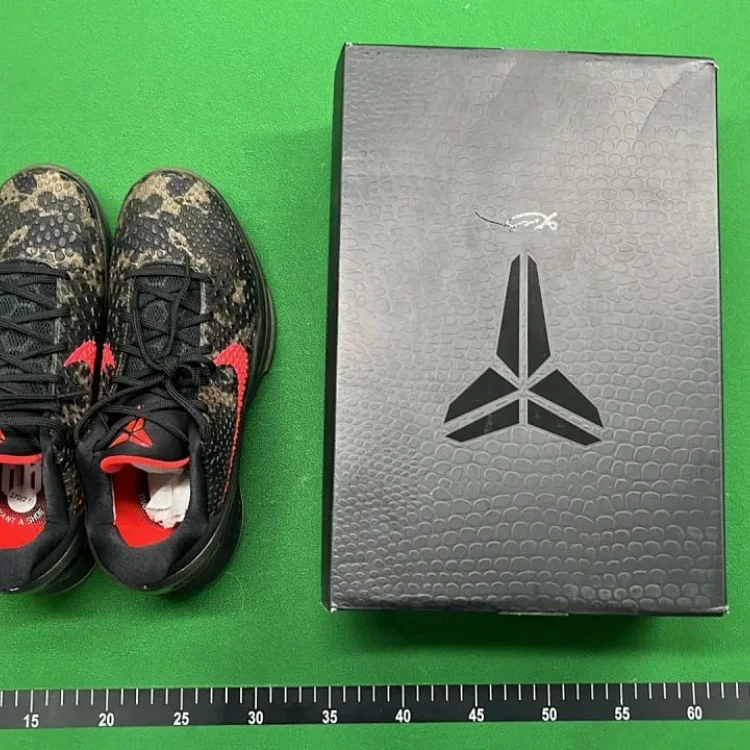
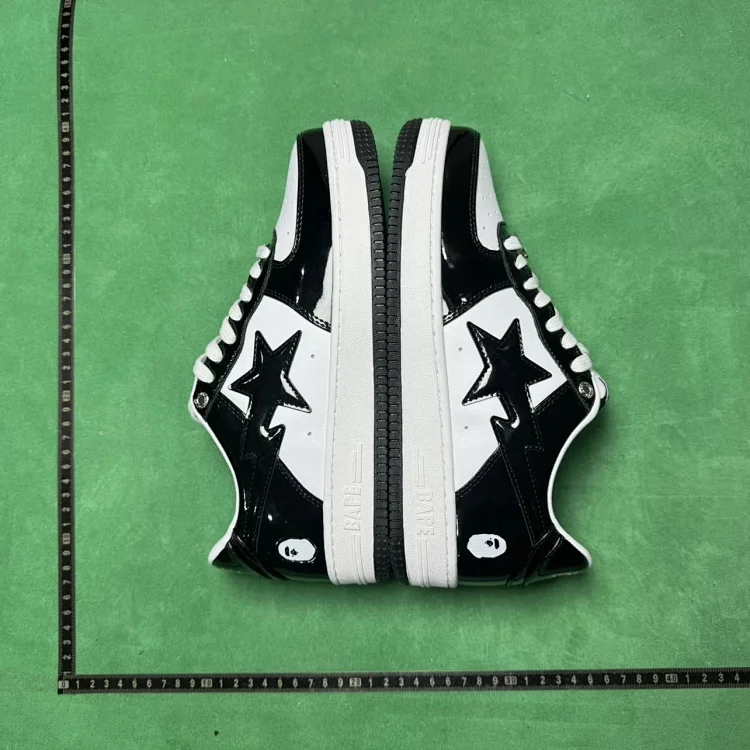
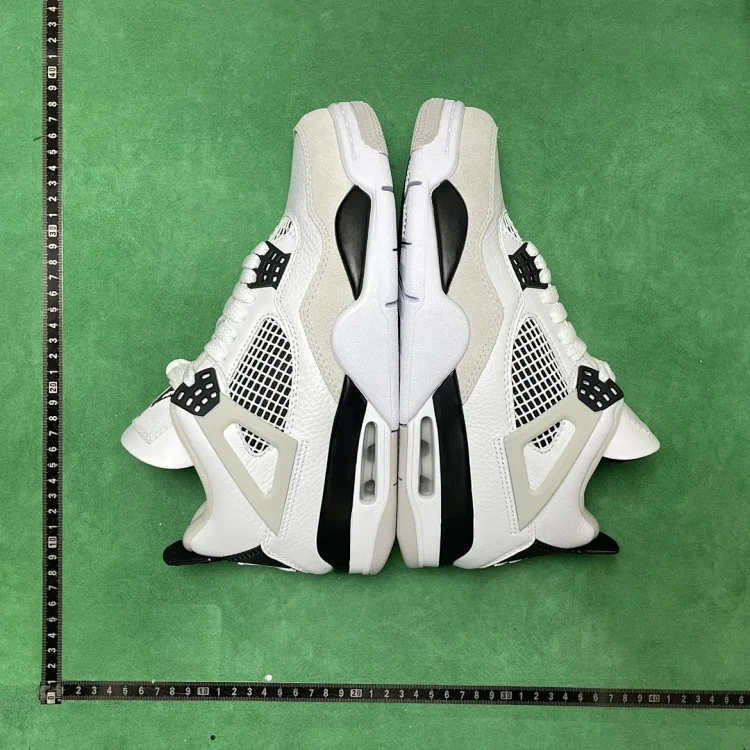
When to GL or RL
Only approve an item when the photos answer the important questions for that product. If the photos are missing a risk area, request extra images before deciding.
Decision Rules
- Green light: correct item, correct size, no visible defects, key angles shown, and shipping cost still makes sense.
- Ask for more photos: missing measurements, unclear label, hidden damage area, or warehouse lighting makes the color uncertain.
- Return or exchange: wrong item, wrong size, visible damage, obvious mismatch, or a defect you would not accept after delivery.
This checker is manual on purpose. Automated QC tools can help organize photos, but the final decision still depends on the product category and your tolerance for risk.
Official Boundary Checks
Use the checker together with Superbuy's own help pages: inspect while the item is still in the warehouse, confirm route restrictions before parcel submission, and remember that after-sales options narrow once the parcel has been shipped internationally.
Checker FAQ
What is an automatic return reason? Wrong item, wrong size, visible damage, missing key part, or a mismatch you would not accept after delivery. Do this before international shipping.
What is not an automatic return reason? Minor lighting differences, camera angle, packaging wrinkles, or a detail that the seller listing already disclosed. Compare several photos before deciding.
When should I check restrictions? Before buying and again before shipping. Batteries, liquids, food, medicine, knives, perfume, fragile goods, and branded/sensitive items can limit routes.
Use the checker with spreadsheet finds
Open all products and apply the right checklist for the category you are browsing.